The problem with most AI storyboard tools is that they direct in the abstract. You describe a scene, the model generates panels, and the panels are technically correct but visually generic. The framing feels like stock photography. The lighting is competent and uninteresting. The cuts make no narrative sense. The model knows the vocabulary of cinema but doesn't seem to know which choices fit which moments.
The articles before this one in the series were about a knowledge base — a curated library of classic film shots, indexed so an AI can search it. This article is about what happens when you put that knowledge base behind a storyboard agent. The output stops being abstract. Every recommendation has a film moment behind it. The agent's "low-angle hero shot" is a specific shot in a specific film, with a specific reason it works.
This is a short article. It's mostly about the loop.
The agent's loop, simplified
A user describes a scene to the agent. Something like: "Open in a quiet noir bar at night. The detective walks in, scans the room, and locks eyes with someone he hasn't seen in years. Six panels."
The agent doesn't generate the storyboard from a blank page. It does a few things first.
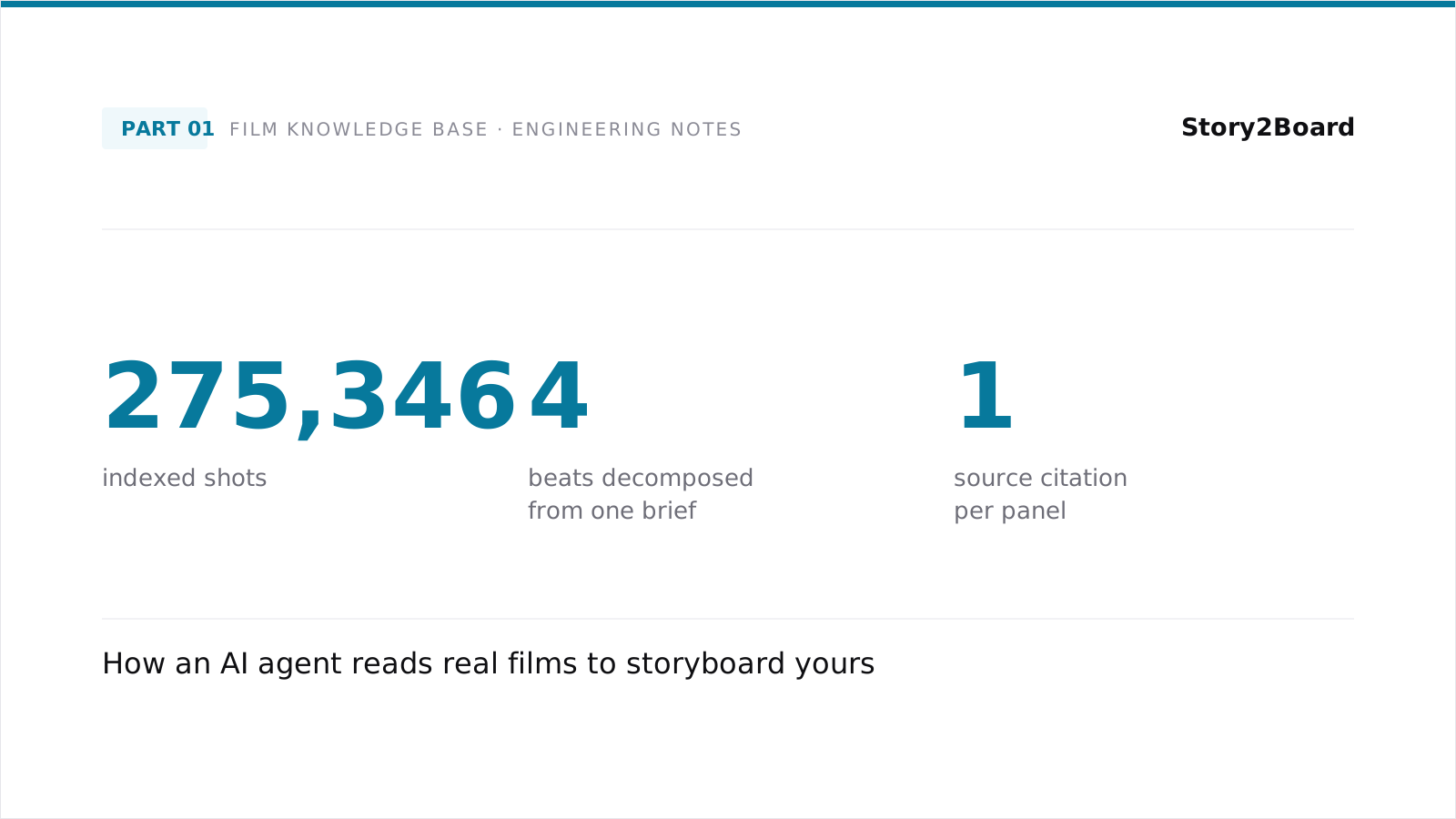
It re-reads the brief and decomposes it into the beats that need framing. The walk-in. The scan. The lock-in moment. The reaction.
For each beat, the agent picks a question to ask the knowledge base. What does a noir bar entrance look like, framed for tension? What's a good way to shoot the moment a character notices something? What's the framing convention for a stretched-time eye-contact moment in a quiet space?
The questions are formed in the same vocabulary the knowledge base was built in — descriptions of shots, structured fields about composition and lighting, references to narrative function. The retrieval layer (covered in detail in earlier articles) finds shots that match.
The agent looks at the retrieved shots, picks two or three of the strongest references for each beat, and uses them as concrete grounding when proposing the storyboard. The proposal isn't "low-angle wide shot of a bar entrance"; it's "low-angle wide shot of a bar entrance, similar in framing to this moment in this film, where the director uses a deep focus to put the protagonist and the room in the same plane."
The user sees the agent's recommendation, the references it's drawing from, and the framing rationale. They can accept the recommendation, swap a reference, ask for something different, or push the agent in a particular direction.
This loop runs for every beat in the storyboard. The result is a panel sequence where every choice has a citation.
The film-search tool
The bridge between the agent and the knowledge base is a single tool — call it the film-search tool. It accepts three optional inputs and returns a ranked list of shots.
The first input is a text query. This is the agent's natural-language description of what it's looking for: "a moment of recognition between two characters who haven't seen each other in years, framed in a way that emphasizes the stillness of the space".
The second input is an image query. If the user attached a reference still — a frame they like, a screenshot they want to invoke — the agent passes it through. The image embedding catches visual similarity that words can't always reach.
The third input is a structured filter. If the agent wants to narrow the candidate set ahead of time — "only shots with single-character framing", "only shots in low-key lighting", "only shots from a specific era" — it can. The structured filter cuts the candidate set down to what's relevant before any ranking happens.
The tool returns a handful of candidates, each with the shot's full metadata, dialogue, and a URL to the keyframe. The agent uses the metadata for reasoning about whether the shot fits the brief, and presents the keyframe as the visual reference the user can react to.
What's important is that the agent doesn't need to know the implementation underneath. It calls the tool, gets results, uses them. The retrieval engineering that happens between those two events — the hybrid query, the embedding lookups, the rank fusion, the structured-filter pre-pass — is hidden behind the tool's interface. From the agent's perspective, it's just find me shots that match this.
Walking through a real query
Take the noir-bar example. The agent decomposes it into the four beats above and runs the film-search tool for each.
For the walk-in beat, the agent's text query is something like "a character entering a dimly lit bar, framed in a way that establishes the space and the character at once". The search returns several candidate shots. One is a wide shot of a bar entrance with the protagonist mid-stride, deep focus, mid-twentieth-century noir. Another is a medium shot from inside the bar looking back at the entrance, foreground silhouettes framing the new arrival. The agent picks the wide shot as the primary reference, the medium shot as a possible follow-up.
For the scan beat, the agent searches for "a character looking around a room, sustained framing, slight unease". The search returns shots where a character's gaze sweeps across the space — slow pans, close-ups on the character with off-screen sound establishing the space, wide shots that hold long enough for the audience to share the search.
For the lock-in beat, the agent searches for "a moment of recognition, the moment two characters realize they're both in the same room, often with the camera collapsing the distance". The search returns shots that range from formal eye-line matches across a long table to handheld closer framings that compress space subjectively. The agent picks the more formal option, because the brief emphasized stillness.
For the reaction beat, the agent searches for "a character's reaction to seeing someone unexpectedly, often in close-up, often quiet". The search returns close-ups, mostly on faces, sometimes with the back of the other character's head visible to anchor the geometry.
The agent now has a primary reference for each beat. It writes the storyboard recommendation with each panel grounded in its reference, presents the references alongside, and waits for the user's reaction.
What changes for the user
The user-facing change is something like less prompt engineering, more direction.
Without the knowledge base, working with an AI storyboard tool is mostly about finding the right words to make the model produce a panel that looks like what you had in mind. Long prompts. Specific vocabulary. Trial and error. The interaction is closer to writing a query than to talking to a collaborator.
With the knowledge base, the agent is doing the visual research the way a human director would — pulling references from the films that have solved similar problems, presenting them as candidate grounding, taking the user's reaction as direction. The user can stay in the language of intent — "I want this scene to feel quiet and weighty" — and let the agent translate that intent into specific shot choices.
The references also help with taste alignment. If the user pushes back on a reference — "no, this is too clean, I want something rougher" — the agent updates its understanding of what the user wants and re-queries. A few rounds of this and the agent has a much better model of the user's taste than it could have inferred from prompt text alone.
This feels different to use than the alternatives. It's not the model getting smarter; it's the model having a better library to reach into.
Where this is going
The current loop works well enough that we're using it in production. The next layers up are things we're still building.
Right now the agent runs the film-search tool one query at a time, waiting for results before formulating the next query. We'd like to run multiple queries in parallel — the agent has identified four beats; let it search for all four at once. The retrieval layer can handle the load; the agent's planning layer just needs to learn to issue parallel calls.
The next layer beyond that is agent-driven library expansion — using the agent's queries against the knowledge base as signal for which films to add next. If users keep searching for shots that the library doesn't quite contain, that's a signal that the library should grow in that direction. The data is there to capture; we haven't wired the loop closed yet.
The layer after that is reverse direction: using the user's storyboard outputs as feedback for what makes a good shot reference. Right now the knowledge base treats every classic shot as equally valuable. In practice, some shots show up as strong references over and over; others rarely get picked. Treating that signal as ranking — surfacing the shots that have repeatedly been useful — is a way for the system to get smarter as it gets used.
None of these are exotic ideas. All of them are extensions of the basic loop above.
Try it
We've spent a year building this. We'd love for you to use it.
If you want to write a storyboard with an AI that's grounded in real films, the tool is available at Story2Board. It's the system this entire article series has been about. Feedback, war stories, and tough use cases all welcome — we read every reply.
All illustrations generated using Genkee AI.