A vision-language model is easy to use and easy to over-spend on. Calling one is a one-line invocation in the SDK. Calling one a hundred thousand times is a different sport.
We hit that scale when we built our film knowledge base. Every keyframe in the corpus needed an annotation, every annotation came from a VLM, and the bill, the latency, and the failure modes all scaled in ways the SDK docs don't really cover. This post is about what we learned in the parts that aren't a one-line call.
Article 0 in this series is the high-level overview of what we built. Article 1 is the eight architectural trade-offs that shaped the build. This article is the one about the stage that ate the most engineering attention: the VLM call itself, multiplied across a large corpus, with all the failure modes that small-scale demos never hit.
Where the bill comes from
The first thing you notice when you scale up is that the bill doesn't come from where you think.
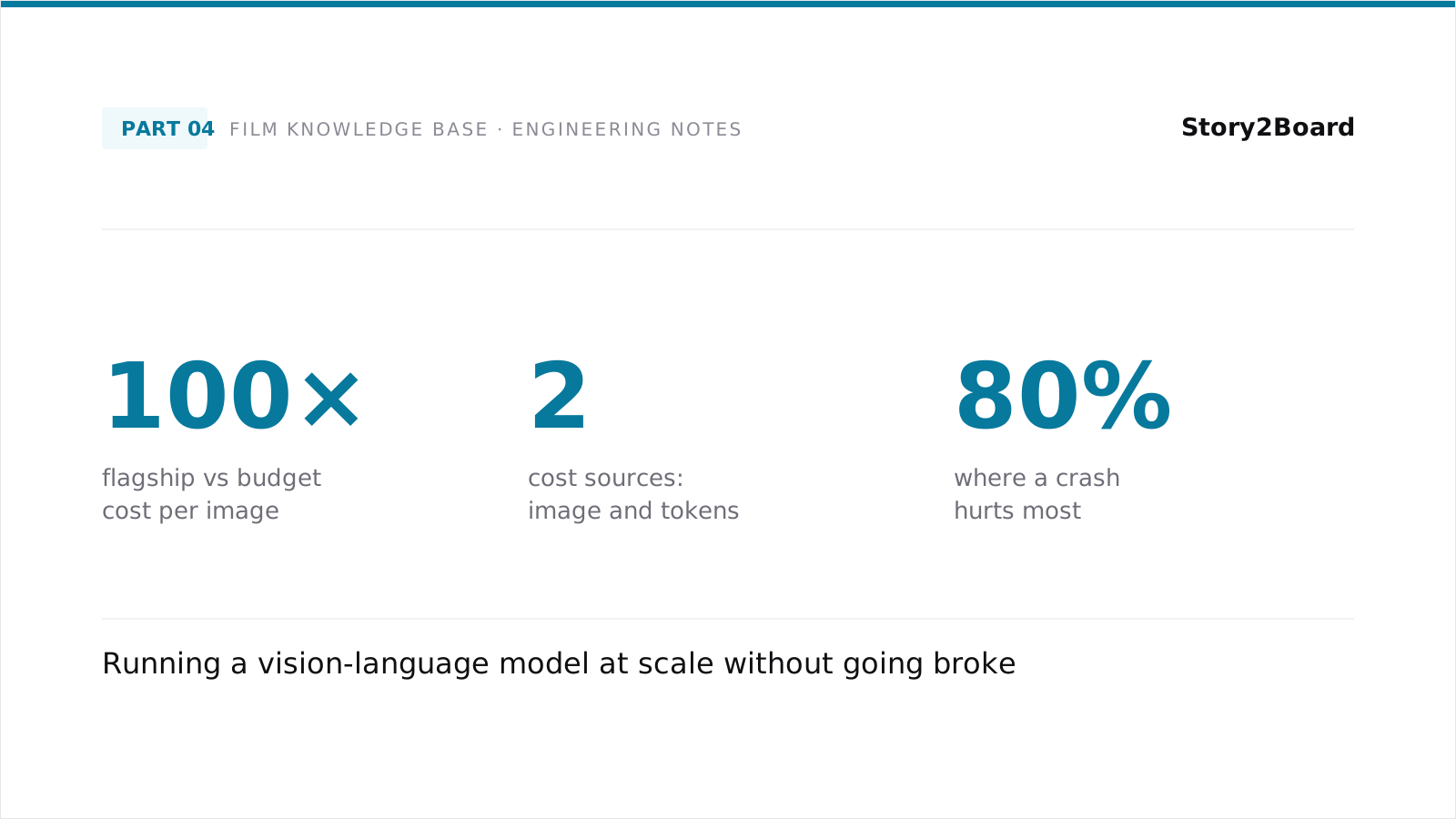
A VLM call charges per image input and per token of output. The image input is fixed per call. The output is partly fixed (your prompt's expected response shape) and partly variable (how much the model decides to elaborate). For a small run, the output token cost is a rounding error. For a large run, it's the dominant line item.
The temptation is to write expansive prompts that ask the model for richer descriptions. "Describe the shot in detail. Mention the lighting, the camera angle, the composition, the mood, the historical period, the genre cues..." This produces beautiful descriptions. It also produces invoices.
We learned to ask for less. Specifically, we learned to ask for a structured set of short fields — a fixed roster of named outputs, each capped to a few words — instead of free-form prose. The structured response is a fraction of the length of a prose response, which means it's a fraction of the output token cost. The retrieval system doesn't care that it's terse; the embeddings do their job either way.
The other lesson on cost is that flagship VLMs are roughly two orders of magnitude more expensive per image than budget cloud VLMs. Article 1 covers the full trade-off; the short version is that for retrieval-grade structured output, the budget tier is fine. Most teams reach for the flagship by default. Most of what they're paying for never reaches end users.
A subtle point: image resolution matters. Most cloud VLMs offer "auto" resolution mode, which picks an image size based on what the model thinks it needs. For our use case — keyframes that have already been resized to a sensible resolution upstream — "auto" was wasting compute on internal upscales. Forcing a specific input size cut the per-call cost without measurable quality loss.
The prompt: structured fields, not prose
A prompt that asks for prose gets prose. A prompt that asks for structured fields gets structured fields. The choice matters more than people think.
Our prompt asks for a JSON object with named fields. Each field has a short description telling the model what to put in it. The fields are the dimensions retrieval queries will filter on: framing, camera angle, lighting setup, mood, primary subject, secondary subject, what the camera is doing, the time of day, the era cues. We don't list the exact field set here; the point is that the schema is short, named, and fixed.
The field names matter. "Lighting" alone is too vague — the model writes things like "good lighting" and "natural lighting" that mean nothing to a query. "Lighting setup" with a few examples ("low-key, high-key, naturalistic, three-point, silhouette") gets you "low-key, naturalistic" — a real categorical answer the index can use.
The output also benefits from a short freeform field at the end. We call it "description" and it's the only field that's longer than a few words. It captures everything that doesn't fit cleanly into the structured fields. For retrieval, the structured fields anchor exact-match filters and the freeform field anchors embedding similarity. Both are useful; together they're more useful than either alone.
A note on prompt verbosity: the prompt itself, repeated millions of times, also costs money. Long instructions with many examples are expensive at scale. We pruned the prompt down to a fraction of its first draft, kept only the essential examples, and saved a meaningful amount per run with no measurable retrieval-quality drop.
The "don't guess the film name" problem
Vision-language models trained on web-scale data have seen a lot of films. Show one a recognizable still — the diner from a famous noir, the hallway from a horror classic — and it'll often slip the film's name into the description, even when you didn't ask for it.
This is a problem for retrieval. The film name is metadata we already track separately, in a structured field on the film record. If the VLM bakes it into the shot description, we're double-storing the same information in two places, and the description ends up dominated by the film identity rather than the shot's visual properties. A query about "low-angle shots in a noir bar" returns a single film over and over, because the model wrote "the bar from [Film Name]" into every shot.
The fix is a prompt-level instruction that explicitly forbids it. Something like: "Do not mention the film, the director, or any character names. Describe only what is visible in this single still." The instruction has to be specific. Vague versions ("focus on the visual content") don't work because the model treats them as suggestions.
There's a second-order failure mode here. When the model can't name the film, it sometimes hallucinates a different film. The shot looks vaguely like a noir, so it writes "evocative of mid-twentieth century noir cinema". This is fine prose but it's still leaking inferred metadata into the description. We added a second instruction explicitly forbidding genre attribution and historical era guesses unless they're directly visible (clothing, technology, signage).
Both instructions taken together produce descriptions that are about the shot, not about what the model thinks the shot is from. That distinction is small in any one description and large at corpus scale.
Concurrency: the right knob to turn
Once the prompt is settled, the next bottleneck is throughput. A serial run-through of a large corpus will take days. Concurrency lets you parallelize, but it has a ceiling — the API has rate limits, and exceeding them produces a thrash where every call gets a 429 and every retry hits another 429.
The naive approach is to set the concurrency very high and let the API push back when it's overloaded. This works on small runs and falls apart on large ones, because cloud rate limits are usually computed over rolling windows. Spamming the API doesn't just trigger immediate 429s; it can pollute the rolling window for several minutes, during which every retry also fails.
The right approach is to find the API's steady-state throughput and stay just under it. The way to find that number is empirical: start at a low concurrency, watch the latency and error rate, increase the concurrency, watch again. The sweet spot is a number where the API consistently returns successful responses with no 429s and the latency per call is stable.
A useful refinement: don't use a fixed concurrency. Use a token-bucket pattern where the bucket fills at the API's allowed rate and each call takes a token. When the bucket runs dry, you wait. This produces smooth throughput regardless of how the queue is shaped, and it handles transient 429s without the thrash.
We added retries on top of this — a few attempts with exponential backoff for transient errors, after which the call is logged as a permanent failure and the partial state is checkpointed. Most calls succeed on the first try; a small fraction need a retry; almost none need more than that. The retries cost real money (each retry is another full call), but the cost of not retrying is that the corpus develops gaps where transient errors happened, which is much worse for retrieval quality.
The token-bucket + retry pattern in one picture:
Failures at scale: the long tail
Small-scale demos don't see the long tail. Large-scale runs see it on every batch.
There are four failure classes worth distinguishing — each gets a different retry policy:
The biggest single failure mode in our corpus was content-moderation false positives. Cloud VLM providers run safety filters on every input, and the filters occasionally flag images that aren't actually problematic — a still from an action film, a moment with strong lighting that the filter reads as visually concerning, a shot with clothing or composition that triggers a sensitivity. The flagged calls return an error rather than a result. A small fraction of our calls hit this. Most are stable refusals; some recover with a slight reframe of the prompt.
We learned to treat content-moderation rejections as a separate failure class from transient errors. A transient error retries. A content-moderation refusal does not retry, because retrying with the same image and prompt produces the same refusal. Instead, we log the shot, mark it as un-annotatable, and continue. The shot is missing from the index but the rest of the corpus completes.
Another failure class is JSON parse errors. Cloud VLMs occasionally return responses that don't parse as valid JSON — a stray comma, an unescaped quote, a truncation halfway through the output. The structured-output mode of most APIs reduces this rate but doesn't eliminate it. We handle parse errors by retrying with a slightly more emphatic prompt ("Return only valid JSON, no prose explanation"), and after two failed parses, falling back to a free-form description and accepting the loss of structured fields for that one shot.
A third failure class is silent stalls. The API call doesn't error and doesn't return — it just hangs. This is rare but it happens, and the right response is not to kill the call. Most stalls resolve themselves on their own, sometimes after long pauses. Killing the call wastes the partial work and re-bills you for the retry. Adding a long timeout (longer than your instinct says) and trusting the API to come back is the better default.
Resumability: when the run crashes at eighty percent done
A long batch run will crash. The machine reboots, the network blips, you accidentally hit ctrl-c, the cloud provider has a bad five minutes. The question is what happens when you restart.
The cheap-and-wrong answer is "start over". It's wrong because you've already paid for the calls that completed, and re-running the whole batch re-bills you for them.
The right answer is checkpointed state. Every successful annotation is written to disk as it completes, in a format that the resume logic can re-read. When the run restarts, it loads the checkpoint, sees which shots are already annotated, and skips them. Only the missing shots get re-called.
The trap here is that "successful" has to be defined carefully. A response that arrived but failed to parse isn't a real success; the resume logic should re-call those. A response that was partial but still meets the schema is a real success. Getting this distinction wrong means you either re-call shots that already worked (wasting money) or skip shots that didn't (gaps in the index).
We use a partial-results file pattern: every batch writes its successful results to a partial-results file as it goes. On crash, the next run reads the partial file, identifies the gap, and resumes. On clean completion, the partial file gets renamed to a permanent results file and the partial-results pointer moves on.
The pattern is unglamorous and it's saved us from re-running large fractions of the corpus more than once. Anyone building a similar pipeline should plan for the resume case from day one. Adding it later, after the first big crash, is a much worse experience than building it in.
Where the time actually goes
A large VLM run is dominated by API latency, not by anything you control. You can't make the API faster. What you can do is make the wall-clock time tractable by overlapping calls.
In our run, the per-call latency varied from a few seconds in the typical case to occasionally a long stall in the long tail. Throughput at the right concurrency was somewhere on the order of several calls per second sustained. At that rate, a corpus of any meaningful scale takes days to fully annotate, end to end.
The hidden time sink is everything else. Disk I/O for keyframes. JSON parsing on responses. Embedding the descriptions afterward. Writing to the database. Each of these is fast individually but adds up. We profiled the loop and found that for every minute of API time, we were spending another twenty seconds on local work. Optimizing the local work — async I/O, batched DB writes, embedding in parallel — bought us a meaningful fraction more throughput at no additional API cost.
The general lesson: at scale, your code's time and the API's time are both real costs, and the ratio between them changes everything. A loop that's bottlenecked on the API benefits from concurrency. A loop that's bottlenecked on local processing benefits from optimizing local work. Profile to find out which one you're actually in before you start tuning.
Closing
The pattern across all of these — cost, prompt design, concurrency, failure handling, resumability — is that small-scale instincts are the wrong instincts. At small scale, you can run the flagship VLM, write a verbose prompt, set concurrency to one, ignore failures, and just rerun if something breaks. None of those work at large scale. Each one becomes a real engineering problem with real trade-offs.
The honest answer to "how should I run a VLM at scale" is: run it at small scale first, profile carefully, and then scale up only when you've understood what changes. The behaviors that hold at low call counts stop holding once batches start taking hours. Below that threshold, every default works. Above it, every default needs scrutiny.
If you've built something similar and your trade-offs landed differently, we read every reply.
All illustrations generated using Genkee AI.