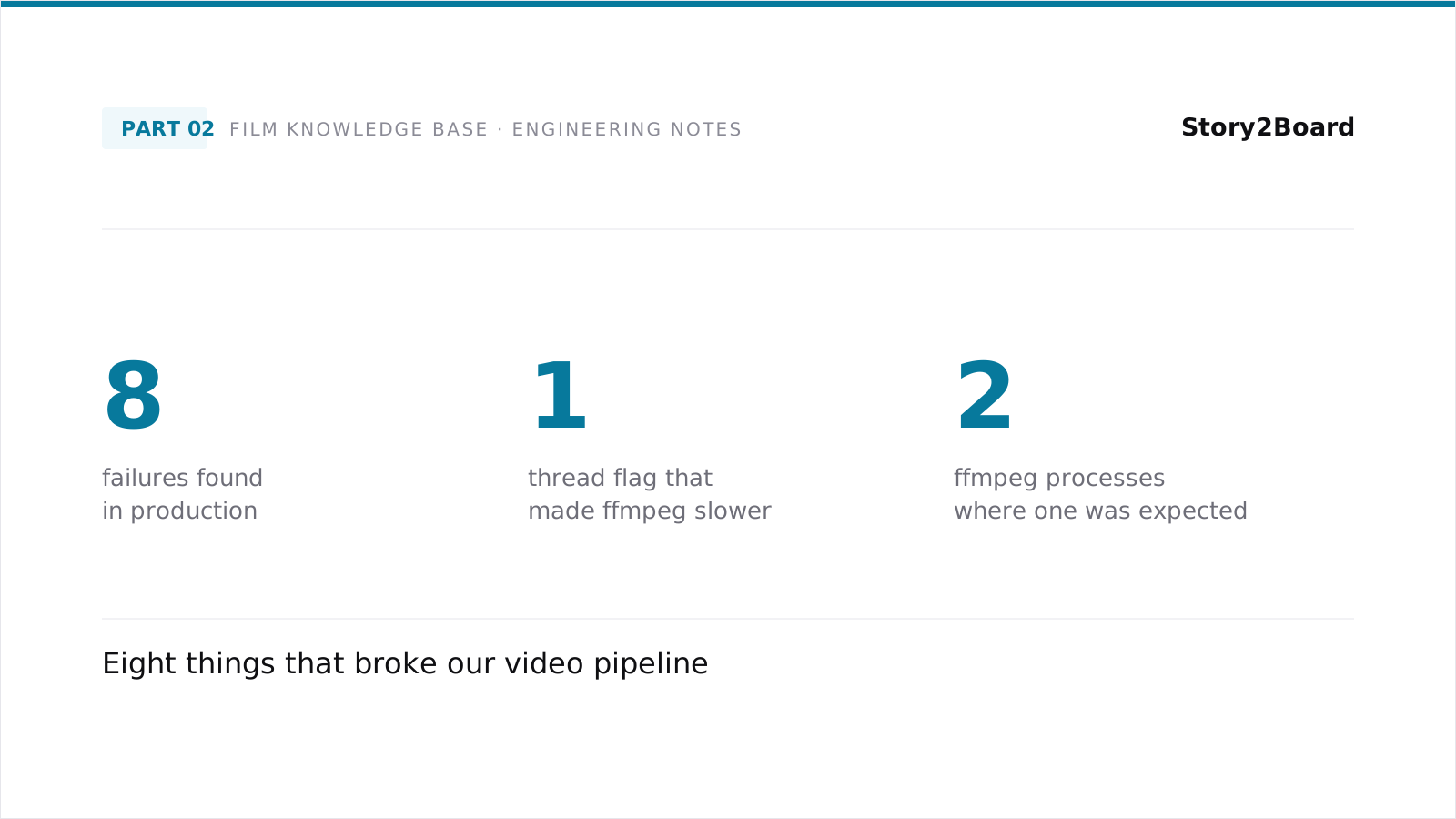
The articles in this series so far have been about decisions we made on purpose. This one is about decisions we made on accident — the eight engineering surprises we hit while building our video processing pipeline. Each of them cost us a few hours to a few days. None of them were difficult once we'd identified the root cause. All of them were invisible at design time.
If you're building anything similar — a large-scale video annotation system, a multi-stage media pipeline, anything that runs ffmpeg, PyTorch, and a cloud API in the same process tree — there's a reasonable chance you'll hit at least three of these. Save yourself the debugging session.
In rough order of how surprised we were.
1. The thread-count flag that made ffmpeg slower
We were running ffmpeg in parallel across multiple worker processes. Each worker was processing a different shot, calling ffmpeg to extract frames or cut clips. The pipeline was CPU-bound. The obvious optimization was to add the thread-count flag to ffmpeg, telling it to use multiple threads per call.
The pipeline got slower. Noticeably slower — measured wall-clock time went up by a substantial fraction.
The reason, in retrospect, is obvious. When you're already running multiple worker processes in parallel, each ffmpeg call is one of N concurrent CPU consumers. Telling each ffmpeg call to use multiple threads creates N times that many threads, all competing for the same CPU cores. The worker-process layer was already saturating the cores. Adding threads inside each worker just made the OS scheduler thrash.
The fix was to remove the thread-count flag and let ffmpeg use its default thread strategy, which is "use what makes sense given the input size". With the flag removed, the workers stopped fighting each other for cores, and throughput went back up.
The general lesson: don't stack concurrency primitives without thinking about the layer below. If your worker pool is already saturating CPUs, intra-worker threading is hurting you, not helping.
2. The PyTorch import that broke ffprobe
This one took us a half day to find.
Our pipeline includes a stage that imports PyTorch (we use it for one of the neural model inference steps) and a stage that calls ffprobe via subprocess (to inspect video files for metadata). When both stages were in the same Python process, ffprobe stopped working. Specifically, the subprocess invocation of ffprobe would either return an empty result, hang indefinitely, or fail with a path-related error, depending on which version of which library happened to be loaded.
The root cause is that PyTorch's import-time setup, on the platform we were running on, modifies the dynamic-library search path so that PyTorch's bundled libraries take precedence. This is fine for PyTorch's own use. It's not fine for subprocess calls that need to find system binaries on the standard search path — they end up looking for those binaries in PyTorch's library directory and finding the wrong thing or nothing at all.
The fix was to keep the PyTorch stage and the ffprobe stage in separate Python processes. We refactored the pipeline so that the neural model inference happened in a child process spawned just for that step, and the parent process — which calls ffprobe — never imported PyTorch. The child process inherited a PATH that PyTorch was free to modify; the parent's PATH stayed clean.
The general lesson: importing heavy ML libraries can have side effects on the process's environment that you'd never notice until you try to do something completely unrelated. Process isolation is the cheap fix.
3. The non-idempotent database insert
We assumed our database inserts were idempotent. They weren't. Re-running the same film through the pipeline twice produced two copies of every annotation in the database, and the first time we noticed was when retrieval started returning duplicates.
The cause was a missing unique constraint and a missing ON CONFLICT clause. Our insert statement was a plain INSERT, which does what plain INSERTs do — it adds another row. We'd never tested the re-run case in development because we'd never had a reason to re-run a film in development. In production, where re-runs happen for all sorts of reasons (the run crashed at 80%, we wanted to re-annotate with a new schema, the operator made a mistake), the lack of idempotency hurt.
The fix has two parts. First, add a unique constraint on the natural key of each table — for shots, that's the film identifier plus the shot identifier. Second, change the insert statement to handle conflicts: ON CONFLICT DO NOTHING for cases where you want to skip duplicates, ON CONFLICT DO UPDATE for cases where you want to overwrite. We chose DO UPDATE for most tables, because re-runs were usually intentional — we wanted the new data to replace the old.
The general lesson: any pipeline that processes batches will end up re-processing some batches at some point. Plan for it. Idempotent operations are dramatically less stressful to operate than non-idempotent ones.
4. The cloud API that stalled silently
The cloud VLM API we use occasionally stalls. The call doesn't error and doesn't return — it just hangs, sometimes for many minutes, and then comes back as if nothing happened.
The first few times this happened, we killed the process. Our reasoning was: a request hanging for that long is broken; we should kill it and retry. The cost of doing that was substantial. Each kill threw away a partial in-flight request that the API was still going to bill us for. The retry started a fresh request that also stalled, because the underlying condition was on the API's side, not ours.
The fix was to do nothing. Stop killing stalled requests. Set the per-call timeout long — longer than your instinct says — and trust the API to come back. Most of the stalls resolve themselves. The few that don't resolve eventually time out, at which point a single retry usually succeeds because the underlying API condition has cleared.
The general lesson: not every long-running thing is broken. Provider-side stalls are real, and aggressive client-side timeouts make them worse, not better.
5. The content-moderation false positives
A small fraction of the calls we made to the cloud VLM came back as content-moderation refusals. The provider's safety filter was flagging images that weren't actually problematic — frames from action sequences, dim lighting that the filter read as visually unsettling, certain compositions that triggered an unrelated sensitivity.
We initially treated these as transient errors and retried them. Retrying produced the same refusal every time. The flagged images were stable refusals, not flaky ones.
The fix was to treat content-moderation refusals as a separate failure class with no retry. The pipeline now logs the shot, marks it as un-annotatable, and continues. The shot ends up missing from the index — a small cost — but the rest of the corpus completes. Treating these as retry-able would have produced an infinite loop on every flagged shot.
The general lesson: not every failure is transient. Distinguish failure classes by their root cause, not by their HTTP status code, and assign retry policies per class.
6. The double ffmpeg process
For a while, our process monitor was reporting that we had twice as many ffmpeg processes running as we'd configured workers for. Four workers, eight ffmpeg processes. We thought we'd accidentally double-spawned them somewhere.
We hadn't. The platform we used has a package manager that installs ffmpeg as a thin wrapper script that re-exec's the actual ffmpeg binary. Each "ffmpeg call" produces two processes — the wrapper and the real binary. The wrapper exits as soon as it's spawned the real one, but if you're sampling the process list at the right moment, you see both.
This wasn't actually a bug. The pipeline worked correctly. But we spent an hour investigating it because the process count looked wrong, and we'd assumed the process count was a reliable signal of how many workers were running. It wasn't.
The general lesson: trust the wall-clock behavior over the process snapshot. If throughput is what you expected, the process count is a side-channel and probably not what you should be debugging.
7. Hardlinks versus copies
Our pipeline reads source video files from one directory and writes intermediate artifacts to another. We initially copied each source file into the working directory before processing it, on the theory that the working copy would be safer than touching the original.
This was wrong on two levels.
First, copying is slow when the source files are large. Video files are large. The copy step ate disk bandwidth that would have been better spent on real processing.
Second, copying doubles the disk-space requirement. The working directory had to fit a full copy of the source corpus, in addition to all the intermediate artifacts. We ran into disk-pressure issues we shouldn't have run into.
The fix was to use hard links instead of copies. A hard link to a source file looks identical to a copy from the pipeline's perspective — same file at a new path — but it doesn't take additional disk space and it's instant to create. The trade-off is that the source file isn't fully isolated from the pipeline; if the pipeline's working "copy" is accidentally modified, the source is also modified. We solved that by making the pipeline's reads strictly read-only and never modifying the working file.
The general lesson: think about whether your pipeline actually needs a separate copy of the input, or whether a hard link gives you the same semantics for free.
8. Long-running batches that no one was watching
Batches that take hours or days to complete are easy to start and hard to monitor. We ran into this the way most teams do: a batch crashed silently overnight, no one noticed for hours, and the post-mortem was harder than it should have been because we didn't have good logs of what happened around the crash.
The fix was a combination of three things. First, structured per-shot logging — every successful annotation got a log line, every failure got a log line, and the log was written to a file the operator could tail in real time. Second, a heartbeat — the pipeline would write a "still alive" timestamp to a known file every minute or so, and a monitor process would alert if the timestamp got stale. Third, automatic restart on common failure modes — for a small whitelist of recoverable failures (transient API errors, network blips), the pipeline would restart itself rather than waiting for human intervention.
None of this is exotic. All of it is the kind of thing that's easy to skip in version one and miserable to live without in version five. We added each piece after a corresponding incident that we'd rather not have lived through.
The general lesson: any pipeline that runs longer than a single attention span needs heartbeating, alerting, and a graceful restart story. Build them in early.
Closing
The pattern that runs through all of these is something like: systems built from independent components fail in ways that aren't visible from any single component. The thread-count flag isn't wrong on its own, the PyTorch import isn't wrong on its own, the ffmpeg double-process isn't wrong on its own. They become problems when they interact with the rest of the system in ways the docs don't cover.
The defensive engineering pattern that helps is something like: measure what's actually happening, not what you think should be happening. Throughput, error rates, process behavior, disk usage — instrument them all, and trust the measurements over your assumptions about how the system should work. Most of the eight pitfalls above showed up clearly in the measurements before we figured out the cause. The hard part wasn't seeing the symptom; it was tracing the symptom back to the root cause.
If you've built something similar and you've hit different pitfalls, we'd love to hear them. The list above is what bit us. There are surely more out there.
All illustrations generated using Genkee AI.