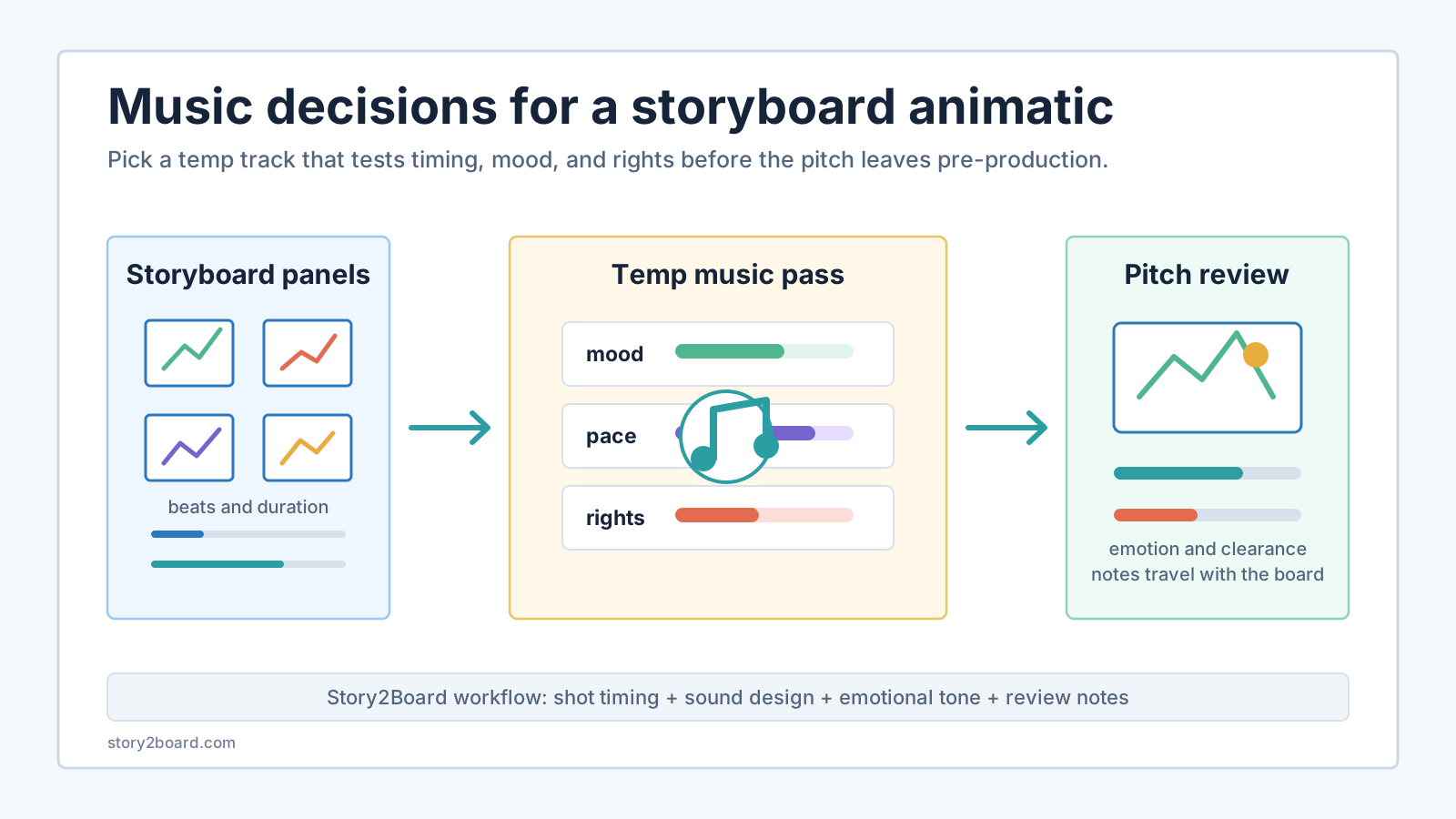
Temp music in a storyboard animatic has one job: make timing and mood testable before the shoot, client pitch, or edit gets expensive.
Don't pick a track because it sounds polished in isolation. Pick it because it answers a production question. Does this scene need a slow dread pulse or a clean forward rhythm? Does the pitch video feel too sentimental with piano under it? Does a 48-second proof-of-concept need one continuous bed, or should the music drop out before the final reveal?
That is the useful overlap between storyboarding and royalty-free music. The storyboard tells you what the audience sees. The temp track tells you how the sequence plays.
Use music to test the edit, not to decorate the board
A storyboard can look clear panel by panel and still feel wrong when the panels play in order. Music exposes that problem quickly because it gives the viewer a clock.
For a storyboard animatic, start with questions that affect the edit:
| Storyboard question | Music decision | What to write in the board |
|---|---|---|
| How fast should the viewer read this beat? | tempo and density | "hold 3s, music stays sparse" |
| What emotion should arrive before the cut? | mood and instrumentation | "low pulse enters before door opens" |
| Where does the pitch need confidence? | track structure | "use first chorus for product reveal" |
| Which moment should stay dry? | silence or music dropout | "no music under final line" |
| Can we publish or share this safely? | license and attribution check | "save track URL, license text, download date" |
This is different from a finished music decision. A composer, editor, or sound supervisor may replace the track later. The temp choice is still useful because it forces the team to agree on pace and emotional direction early.
If you're building the board from a script, use the screenplay to AI storyboard workflow first. Get the scene beats, shot proposals, character state, prop state, and duration notes into a stable order. Then choose music against that sequence, not against the screenplay in your head.
Match track shape to scene shape
Most temp-music mistakes come from choosing by genre alone. "Ambient" is not a direction. Neither is "cinematic." A track's shape matters more than its label.
Look for these four shapes:
| Track shape | Works for | Watch out for |
|---|---|---|
| steady bed | dialogue-free pitch video, product demo, quiet montage | can flatten a scene that needs a turn |
| slow build | reveal, transformation, proof-of-concept trailer | may force cuts to happen too late |
| pulse with gaps | suspense, discovery, restrained action | can fight dialogue or voiceover |
| clear section change | before/after pitch, act break, location shift | may feel too trailer-like for a small scene |
For example, a founder pitch video may need a steady bed for the problem setup, a small lift when the prototype appears, and a cleaner ending under the CTA. A short-film animatic may need the opposite: very little music until the character makes a decision, then one note that tells the viewer the scene has crossed a line.
Don't decide this by taste alone. Put the track under the panels and watch it twice. Once with the image full size. Once with the panels small, like a thumbnail strip. If the emotional turn only works when the music is loud, the board may not be carrying enough visual information.
Build a simple music pass inside the storyboard
In Story2Board, keep music as a planning layer attached to the shot sequence. It should sit beside duration, emotional tone, sound design, and notes. That keeps it from becoming a vague comment like "make this more emotional."
A compact music pass can look like this:
| Panel range | Visual beat | Temp music note | Review question |
|---|---|---|---|
| 1-3 | empty office before launch | low ambient bed, no melody | does the silence feel lonely or slow? |
| 4-6 | founder sees failed email | pulse enters after the screen insert | is the panic readable before the cut? |
| 7-9 | delete button hesitation | drop music under breath | does the decision feel human? |
| 10-12 | morning team arrives | warmer texture, still restrained | does the pitch promise recovery too soon? |
Those notes are not a mix. They are a review script. They tell the director, editor, client, or producer what to judge while watching the animatic.
The same idea helps when you turn the board into a production document. In the shot list storyboard handoff, department notes carry sound, art, props, VFX, and continuity into the shooting plan. Music notes belong there when they change timing, not when they merely describe taste.
Where FreeMusic.Top fits
Disclosure: FreeMusic.Top is a partner resource.
For a fast temp-music pass, a focused royalty-free library such as FreeMusic.Top can be useful because its public homepage is built around no-copyright and royalty-free music for YouTube, streaming, podcasts, and video creation. That makes it a reasonable place to search when your board needs a quick ambient bed, calm cue, dark pulse, or pitch-video backing track.
Still, don't treat any music library as a magic clearance button. Before a storyboard animatic leaves your team, save the track page, license wording, attribution requirement if any, download date, and version used in the cut. If the pitch later becomes a public trailer, ad, or monetized video, check the license again before publishing.
The goal is boring paperwork at the right moment. Better to find a licensing mismatch while the animatic is a review file than after a client has approved the cut.
Choose music after the board has a spine
If you pick the track too early, the music starts directing the scene for you. That can be useful for a music video, where the song is the structure. For most storyboard animatics and pitch videos, it is backwards.
Use this order:
- Lock the scene job in one sentence.
- Mark the visual beats.
- Assign rough durations.
- Generate or draw anchor panels.
- Read the board silently.
- Add a temp track.
- Revise timing, not just music volume.
The silent pass matters. If the board doesn't read without music, the track may be covering a weak story beat. If the board reads silently but feels flat, music can help you test pace, expectation, and emotional pressure.
For music videos, use the separate music video storyboard guide. That workflow starts from song structure and sync points. This article is for the more common pre-production case: a scene, pitch, trailer mockup, or AI storyboard sequence that needs temporary music so reviewers can judge how it plays.
Keep production sound and temp music separate
Storyboard audio gets messy when every sound idea goes into one bucket.
Use separate notes:
| Note type | Example | Owner |
|---|---|---|
| production sound | "kill fridge before apology line" | sound mixer / AD |
| post-production sound | "school bell pre-laps before hallway cut" | editor / sound editor |
| temp music | "low pulse starts after envelope insert" | director / editor |
| license note | "track URL and license saved in project notes" | producer / creator |
If the problem is clean dialogue, use the recording sound storyboard checklist. If the problem is Foley, ambience, pre-laps, or mix priority, use the post-production sound storyboard guide. Temp music has a narrower job: it helps the team feel the board in time before the final audio plan exists.
A practical review checklist
Before you share the animatic with a client, collaborator, or producer, run this pass:
- Watch once with music and once muted.
- Check whether the track makes a weak visual beat seem stronger than it is.
- Mark every music entrance, drop, or section change against panel numbers.
- Keep dialogue, voiceover, and key prop sounds readable.
- Save the music source, license wording, and download date.
- Remove the track if it makes reviewers comment on genre instead of story.
- Note whether the track is temp, approved, or still pending clearance.
That last label saves trouble. A board can say "temp only" and still be useful. What causes pain is a temp cue that slowly becomes assumed final music because nobody named its status.
Use the track as a timing test
Royalty-free music is not a shortcut around story decisions. It is a timing tool. Use it after the board has visual logic, keep the rights notes attached to the project, and make every music choice answer a specific review question.
Start with the AI storyboard generator if you still need the panel sequence. Once the board has shot duration, emotional tone, and sound-design notes, pick a track that helps people judge the cut instead of merely making the preview feel finished.