This guide explains which storyboard template format to use: printable PDF, PNG preview, or editable AI board. If you need the files right now, the canonical download hub is the free storyboard template library.
Start with one of these free printable PDFs:
| Template | Best for | Preview & fields | Download |
|---|---|---|---|
| 4-panel storyboard template | short scenes, commercials, quick beats | 4-panel template | Download PDF |
| 6-panel storyboard template | fuller scene coverage and thumbnail passes | 6-panel template | Download PDF |
| Dialogue storyboard template | two-character scenes, eyeline, OTS coverage | dialogue template | Download PDF |
| Vertical video storyboard template | Shorts, Reels, TikTok, mobile ads | vertical video template | Download PDF |
Not sure which one fits the scene? The storyboard template library lays all four out side by side with format notes, so you can compare layouts before committing to a print run.
That file is useful for print, classrooms, quick director notes, and early shot planning. If you need a PNG, open the PDF or preview image and export the page as an image from your browser, design tool, or operating-system preview app. If you need editable frames, character consistency, and script-to-shot planning, use Story2Board instead of treating a blank PDF as the final workflow.
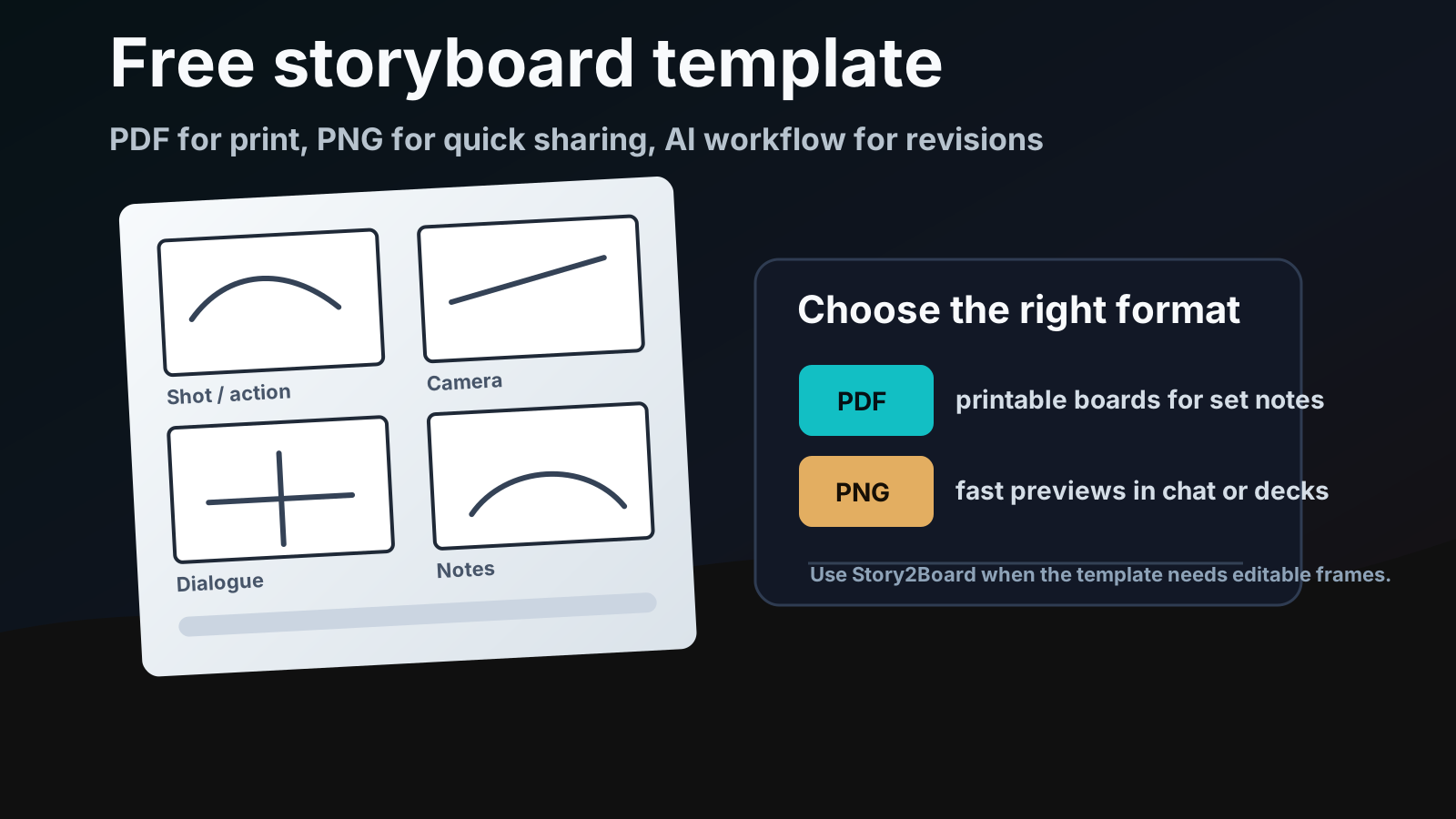
This page is the format guide. Use the template library as the download hub, then come back here when you need to decide whether the next handoff should be a PDF, a PNG preview, or an editable AI storyboard. If you want a step-by-step writing tutorial, jump to how to fill out a storyboard template. If you only care about printer settings and page layouts, use the printable storyboard template PDF guide.
The useful choice is not "which template looks nicest?" It is "which file will survive the next handoff?" A classroom worksheet, a director's binder, a client deck, and an editable AI board need different formats.
Use the template library as the routing page
The downloads above are starting points, but the template library is the page that should route the decision. Pick one layout there, then move to the guide that matches the real production question.
Good uses for this hub:
- short films and student films;
- YouTube videos and creator scripts;
- commercials, social ads, and product videos;
- animation blocking;
- pitch notes before a client review;
- classroom exercises;
- rough scene planning before moving into Story2Board.
Do not treat this page as the whole workflow. It gives you blank pages and format choices. The planning decisions still happen in your script notes, shot list, and review process.
PDF vs PNG vs editable AI storyboard
People search for storyboard template pdf, storyboard template png, and storyboard template free download as if they are the same request. They are close, but not identical.
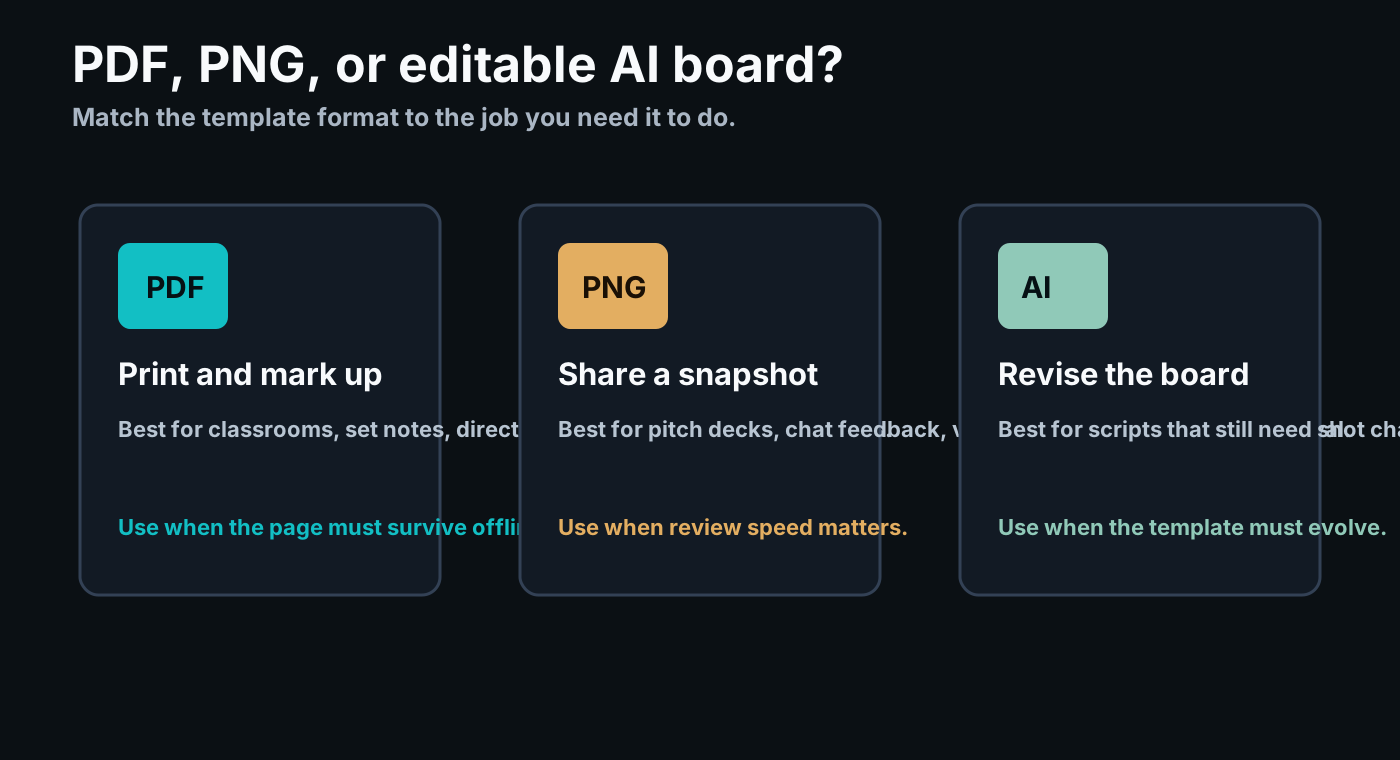
| Format | Best use | Weak point |
|---|---|---|
| Printing, set binders, classrooms, handwritten notes | Hard to revise once the board changes | |
| PNG | Fast preview in chat, decks, docs, mood boards | Not good for filling out multiple panels |
| Editable AI board | Script revisions, shot planning, consistency, exports | Requires an online workflow instead of a static file |
Use the PDF when the page needs to survive offline. Use PNG when someone only needs to see the board quickly. Use Story2Board when the board still needs to change after the first review.
What this page does not try to be
It is not the detailed printing guide. It is not the field-by-field writing tutorial. It is not a replacement for a shot list or an editable board. It is the place to grab a blank template and decide where to go next.
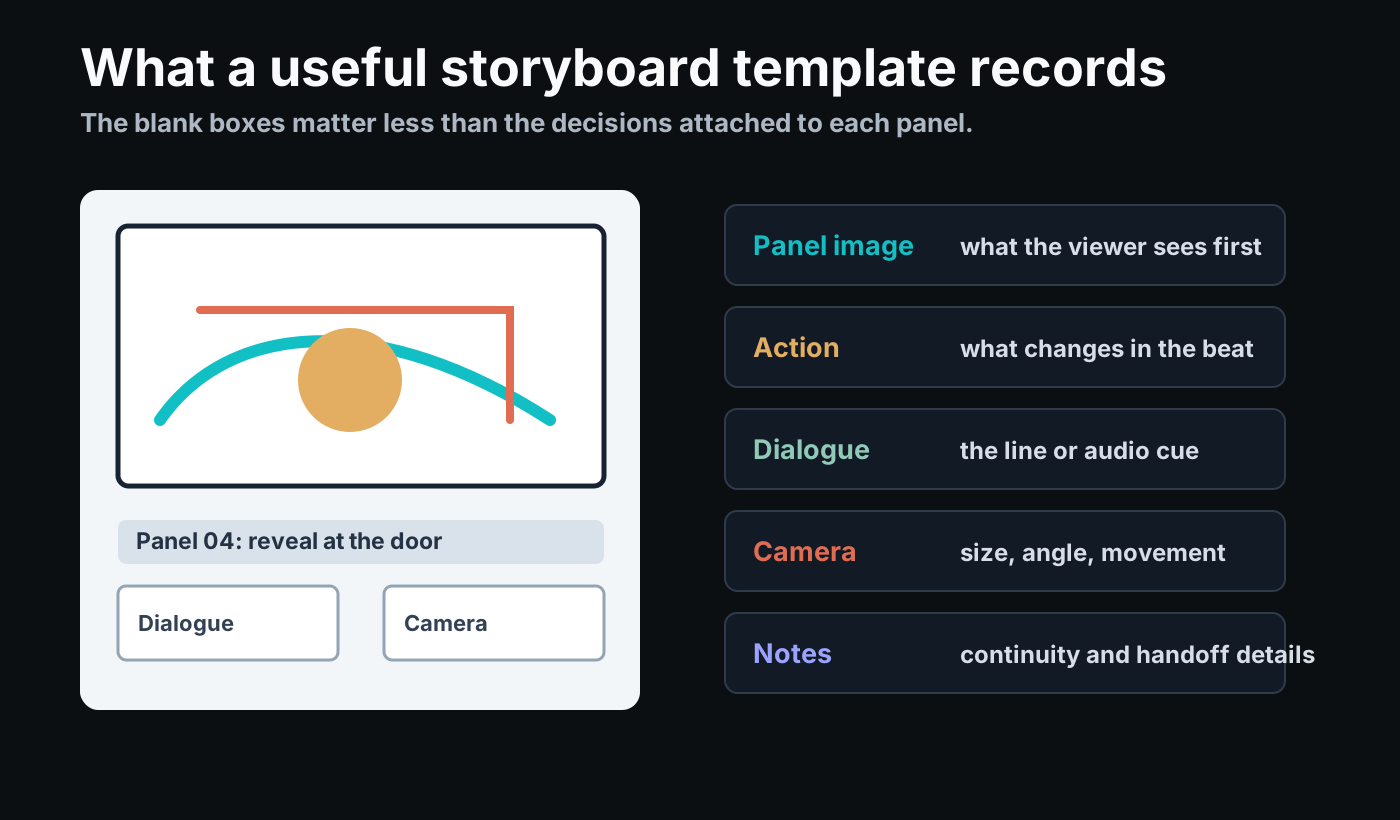
Where to go after downloading
Use the next page by task:
| Your next task | Best next page |
|---|---|
| You want print sizing, page counts, and offline setup | Storyboard Template PDF Download |
| You already have a blank page and need writing help | How to Fill a Storyboard Template |
| You need production handoff from boards into departments | Shot List Storyboard Handoff |
| You are deciding whether you need a shot list instead | Storyboard vs Shot List |
When a static template is enough
A static PDF or PNG is enough when the scene is simple and the goal is communication. For example:
- a student exercise;
- a 15-second social ad;
- a one-location explainer video;
- a mood-board stage before full pre-production;
- a printed sheet for a workshop.
Static templates are also useful when you want people to think with a pen first. Rough sketches can be faster than software when the idea is still changing.
When to move from a template to Story2Board
Move to Story2Board when the board needs to remember things across panels.
That usually happens when you have:
- recurring characters;
- multiple locations;
- dialogue coverage;
- camera movement;
- product or prop continuity;
- client revisions;
- exports for a team;
- enough panels that manual copying becomes error-prone.
Story2Board is built for the part that starts after the blank template: script analysis, shot breakdown, character consistency, visual frame generation, and PDF-style handoff.
The blank template gives the production a page. Story2Board gives the production an editable board with state, revisions, visual references, and exports.
The template gives you a starting shape. Story2Board turns that shape into an editable storyboard workflow.
Related guides
- How to create your first AI storyboard
- Storyboard vs shot list
- Shot lists and storyboards
- Camera framing for storyboards
If you are planning dialogue-heavy scenes, read our research-backed guide on what AI papers teach us about dialogue storyboard templates. It explains why fields like viewpoint, eyeline, and continuity matter more than most blank templates suggest.